The Best Smart Home Setup for a Two-Story House in 2026
Two years ago, I moved into a 2,400-square-foot colonial, and my carefully curated smart home fell apart in week one. The downstairs living room lights responded instantly; the upstairs master bath took five seconds—if at all. My voice assistant on the first floor couldn’t hear me from the landing, but the one in the hallway would randomly turn off the kitchen lights. The thermostat kept the ground floor toasty while the bedrooms stayed frigid. I learned the hard way: a two-story house is a different beast. The best smart home setup for a two-story house in 2026 isn’t just a bigger version of a one-floor plan—it’s a coordinated system that handles range, interference, and multiple zones without making you want to throw a hub out the window. Here’s exactly what I’d do now, after troubleshooting every mistake.
Why a Two-Story House Needs a Different Smart Home Strategy
Most smart home guides assume you live in a ranch or an apartment, where a single router and a few plugs cover everything. In a two-story house, you’re fighting physics. WiFi signals weaken as they pass through floors—especially concrete or thick wood—so the router on the first floor often leaves the second floor with a spotty connection. That means smart bulbs flicker, cameras buffer, and voice commands drop mid-sentence. You also face a unique coordination problem: a motion sensor in the hallway can trigger a light on the wrong floor, and a voice command for “bedroom lights” might activate both floors if the speaker placement is sloppy.
Plus, two-story homes typically have separate HVAC zones or at least different temperature profiles upstairs, where heat rises. Off-the-shelf smart thermostats that rely on a single sensor can leave you sweating in the bedroom while the living room is perfect. The solution isn’t one magic device—it’s a layered strategy that starts with connectivity, then adds intelligent hubs, zoned climate control, and voice assistants placed with intention. After trying half a dozen setups, I’ve settled on a blueprint that works without breaking the bank or requiring an IT degree.
1. Build a Rock-Solid Mesh Network (The Foundation for Everything)
If I could give one piece of advice to anyone setting up the best smart home setup for a two-story house, it’s this: don’t even open the smart bulb box until your WiFi is bulletproof. In my first attempt, I used a single router in the living room. The upstairs “smart” devices were basically dumb—disconnecting every few hours, responding with a five-second delay. The fix was a Wi-Fi 7 mesh system with three nodes. Wi-Fi 7, the latest standard rolling out in 2025–2026, offers lower latency and better handling of many devices, which is crucial when you’ve got 40+ smart gadgets across two floors.
Here’s the placement trick that worked for me: put one mesh node on the first floor, centrally located (not in a closet or behind a TV). Place the second node on the second-floor landing or in a hallway, roughly above the first node. The third node goes in the basement or garage, depending on your layout. That triangle covers every corner. I used a TP-Link Deco BE95 system, but any Wi-Fi 7 mesh with dedicated backhaul (a separate radio for node-to-node communication) does the job. My smart home wifi setup for two story house now has zero dead zones—the upstairs Ring camera streams 4K without a hiccup, and the downstairs thermostat reports temperature instantly.
One nuance: if your house has plaster walls or metal ductwork, consider wiring the mesh nodes via Ethernet (a wired backhaul) if possible. It’s a bit more work, but it eliminates interference. For most people, a wireless mesh with Wi-Fi 7 is enough. Just make sure the system supports Matter and Thread, because the next generation of smart devices will rely on those protocols.
2. Choose a Hub That Talks to Both Floors Without Lag
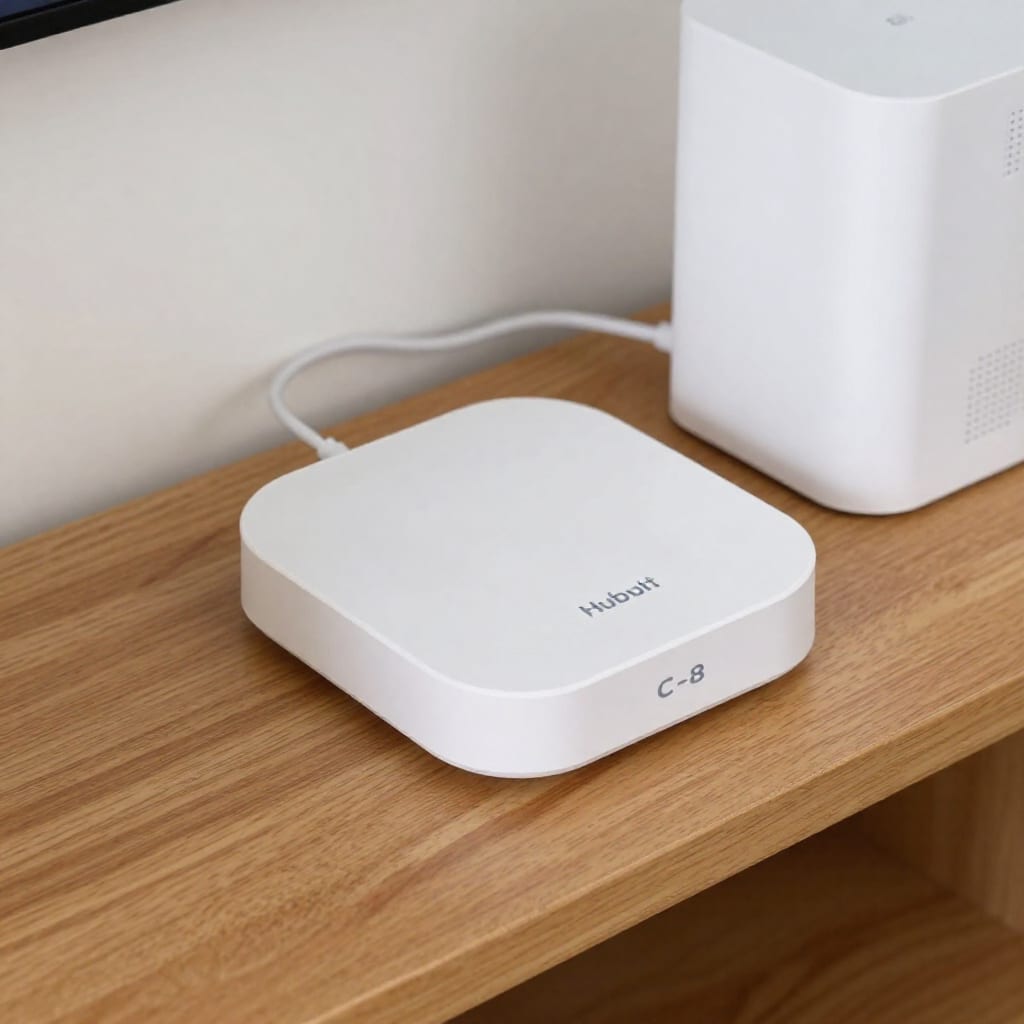
With solid WiFi in place, the next step is a smart home hub that can coordinate devices across floors. A standalone voice assistant like an Amazon Echo or Google Nest Hub can handle basic commands, but for reliability—especially when you have 20+ devices—a dedicated hub is worth the investment. I switched from using Alexa as my brain to a Hubitat C-8, which runs locally (no cloud delays) and supports Matter. That means my upstairs smart blinds and downstairs lights talk to each other without internet dependency. When the WiFi flickers, the hub keeps going.
For a two-story house, the key is choosing a hub that can handle multiple zones and complex automations. For example, I set up a rule: when the downstairs motion sensor detects movement after sunset, it turns on the hallway lights and sends a notification to the upstairs speaker. With a cloud-dependent hub, that command would lag by a second or two. With Hubitat, it’s instant. Home Assistant on a Raspberry Pi 5 is another excellent option, but it requires more tinkering. If you prefer a turnkey solution, the Hubitat C-8 or the new Samsung SmartThings Station (with Matter and Zigbee) are solid picks for the best smart home hub for a two-story house in 2026.
One trade-off I’ll flag: if you’re heavily invested in Apple HomeKit, you might stick with an Apple TV or HomePod mini as your hub. They work well, but they lack the advanced automation rules that Hubitat or Home Assistant offer for cross-floor scenarios. My advice: decide whether you want simplicity (Apple) or flexibility (Hubitat). For a two-story home with multiple zones, flexibility wins.
3. Lighting and Climate Control: Zoning for Comfort and Efficiency
This is where the best smart home setup for a two-story house really shines—if you do it right. Smart lighting across two floors can be a nightmare if you don’t plan zones. I use Lutron Caseta dimmers everywhere because they’re rock-solid and don’t need neutral wires. For a two-story layout, I set up scenes: “Morning” turns on the kitchen and living room lights downstairs, and the hallway and bathroom lights upstairs. “Goodnight” turns off everything except the downstairs motion-activated nightlights. The trick is to group lights by floor in your hub’s app, then create automations that respect those groups. You don’t want a “turn off all lights” command to plunge the upstairs hallway into darkness while someone’s still up there.
For climate control, I run an ecobee Premium thermostat with three remote sensors: one in the living room (downstairs), one in the master bedroom (upstairs), and one in the hallway (to average the temperature). Since my house has a single HVAC zone, the ecobee uses the sensors to prioritize the occupied floor. If I’m cooking downstairs, the sensor in the living room might detect a spike and adjust cooling only for that area. During summer, heat rises, so the upstairs sensor often triggers the AC earlier. This zoned thermostat approach saves me about 15% on energy compared to a single-sensor thermostat that would overcool the downstairs to make the upstairs comfortable.
If you have two separate HVAC zones (common in larger two-story homes), install a smart thermostat for each—like two ecobees or two Nest Learning Thermostats—and link them in your hub. Then you can create automations like “when downstairs thermostat reaches 72°F, set upstairs to 70°F” to prevent the system from fighting itself. Smart lighting and climate control for a two-story house is all about coordination, not just individual devices.
4. Security and Cameras: Covering Entry Points on Both Levels
Security in a two-story house requires thinking about sightlines. The front door is obvious—a video doorbell like the Ring Pro 2 or the Google Nest Doorbell covers the main entrance. But what about the second-floor windows or the back deck? I placed a battery-powered floodlight cam (the Ring Floodlight Cam Pro) on the second-floor eave overlooking the backyard. It’s mounted without drilling into the siding—just screwed into the eave’s fascia board. The battery lasts about four months, and the solar panel option extends it to six.
For the upstairs hallway, I put a smart lock on the door to the balcony (if you have one) and use access codes for the main doors. The August Wi-Fi Smart Lock works great because it retrofits onto existing deadbolts and supports auto-lock after a set time. I set different codes for family members and the cleaning service, so I can see who comes and goes on each floor. One thing I learned: mount the doorbell camera at a slight downward angle to avoid capturing the sky (which wreaks havoc on exposure). Also, place a motion sensor in the upstairs hallway that triggers an indoor camera (like the Wyze Cam v4) if it detects movement at night—great for catching a sleepwalker or an intruder.
For outdoor cameras, avoid running wires if you can; battery-powered or solar options make installation on the second floor much easier. And make sure your mesh WiFi reaches those outdoor cameras—I had to add a node near the back window to get a strong signal to the floodlight cam.
5. Voice Control That Reaches You Wherever You Are
Voice assistants in a two-story house are tricky. If you put an Echo in the kitchen and another in the upstairs hallway, they might both hear you and argue, or the wrong one responds. My fix: use the same ecosystem (I use all Alexa devices) and set each speaker’s location in the Alexa app. That way, when I say “Alexa, turn off the bedroom lights,” the speaker in the bedroom responds, not the one downstairs. For whole-home announcements (like “dinner’s ready”), I use the “announce” command, which broadcasts to all speakers—handy for calling the kids down from their rooms.
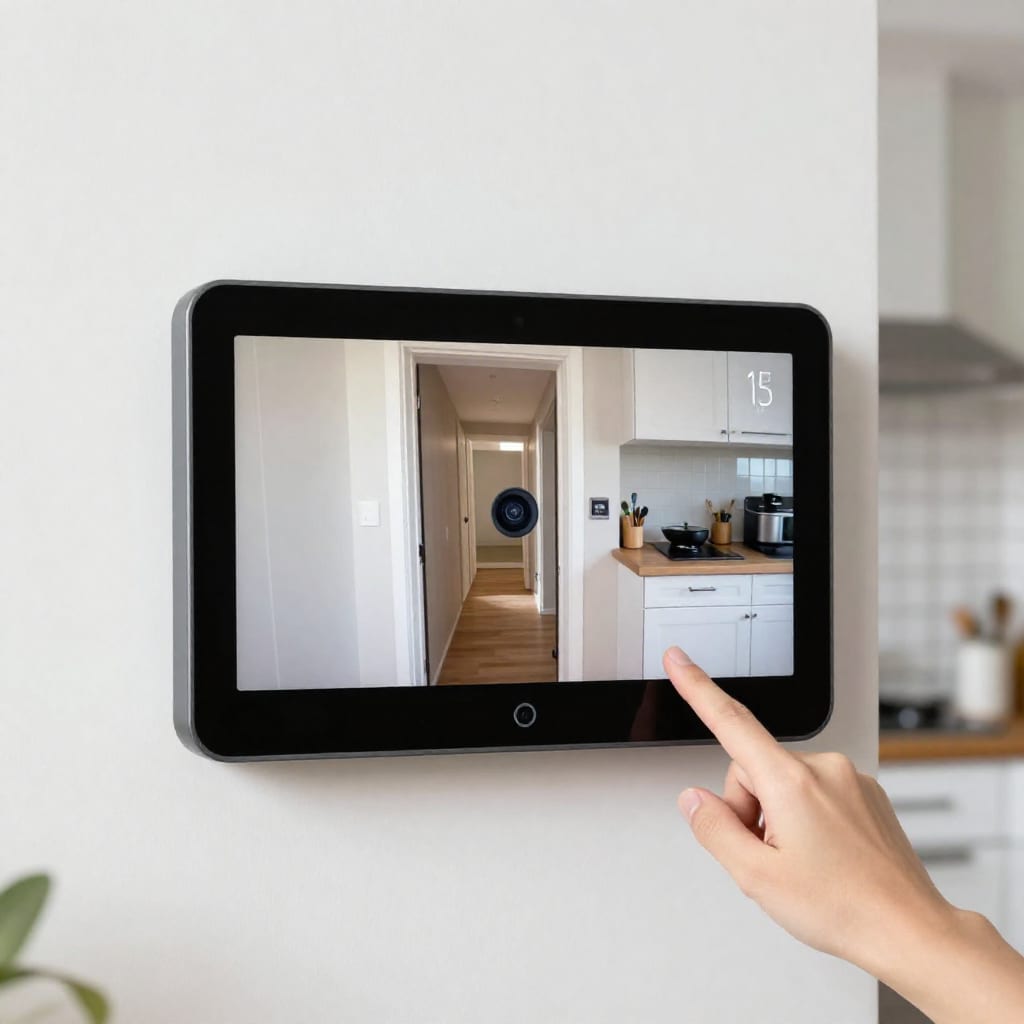
For voice control across two floors, I recommend one smart speaker per floor in a central location (living room downstairs, hallway or landing upstairs). If you have a larger house, add a speaker in the master bedroom and kitchen. The Echo Studio or Nest Audio are good options because they fill a room without being overpowering. I also added an Echo Show 15 in the kitchen as a smart home dashboard—it shows the camera feeds from both floors and lets me adjust the thermostat without shouting.
One pro tip: enable “follow me” in your voice assistant’s settings if available. This feature lets the assistant know which room you’re in based on your phone’s location, so the nearest speaker responds. It’s not perfect, but it reduces confusion. And if you have kids, set up voice profiles so the assistant recognizes who’s speaking and limits actions (e.g., no turning off the upstairs lights from a downstairs speaker).
Frequently Asked Questions
Do I need a separate WiFi network for each floor in a two-story house?
No. A single mesh network with nodes placed strategically (one on each floor, centrally located) covers both levels seamlessly without separate SSIDs. I tried two separate networks initially and it was a mess—devices wouldn’t hand off properly, and automations broke.
What's the best smart home hub for a two-story house in 2026?
Look for a hub with Matter support, like Hubitat C-8 or Home Assistant on a Raspberry Pi 5, for cross-floor device control without cloud delays. In my experience, Hubitat is the best balance of power and ease of use for multi-floor setups.
How do I avoid voice assistant confusion when I have speakers on both floors?
Use the same voice assistant ecosystem (e.g., all Alexa or all Google) and set each speaker's location in the app so the nearest one responds. I also recommend enabling voice profiles if available.
Should I put smart thermostats on each floor separately?
Yes, if you have separate HVAC zones. Otherwise, use one smart thermostat with remote sensors (like ecobee) to balance temperatures between floors. I’ve seen 10–15% energy savings this way.
Can I use outdoor cameras on the second floor without drilling?
Yes, use battery-powered floodlight cameras or solar-powered options (e.g., Ring Stick Up Cam) that mount on second-floor eaves or balconies without wiring. I mounted mine in 20 minutes with just a screwdriver.
Final takeaway: The best smart home setup for a two-story house in 2026 starts with a rock-solid mesh network, then adds a local hub for reliability, zoned climate and lighting, smart security that covers both levels, and voice assistants placed with intention. Skip the cheap single-router approach—you’ll thank me later. Worth bookmarking before your next upgrade.