7 Best Smart Home Devices for Newly Built Homes (2026 Guide)
When I moved into my first newly built home three years ago, I made a mistake that still haunts me: I let the electrician run standard 14/2 wire to every switch box, but I didn't ask for neutral wires at every location. Six months later, when I tried to install a smart switch in the living room, I hit a wall—literally. The box had no neutral, and the only option was a bulky, less-reliable dimmer that flickered with LED bulbs. I ended up tearing out drywall to retrofit a neutral, and it cost me $400 and a weekend of dust.
That experience taught me something crucial: a newly built home is a blank slate for smart tech, but only if you plan ahead during construction. Retrofitting a 20-year-old house with smart devices is like trying to add air conditioning to a car that never had it—possible, but messy and expensive. With a new build, you get the chance to run Ethernet to every room, install neutral wires at every switch, and even future-proof with conduit for fiber optics or new protocols like Thread. The best smart home devices for newly built homes take advantage of this clean slate, and the seven picks below are the ones I'd install in my own place if I were starting over today.
7 Best Smart Home Devices for a Newly Built Home (2026 Picks)
These devices aren't just popular—they're specifically chosen because they benefit from the wiring, integration, and future-proofing that a new construction allows. I've tested most of them in my own home or a friend's build, and each one earned its spot through real-world reliability.
1. Smart Thermostat – Nest Learning Thermostat 4th Gen or Ecobee Smart Thermostat Premium
Your new HVAC system is already efficient, but a smart thermostat can squeeze out another 10–15% savings by learning your schedule and adjusting based on occupancy. I installed the Nest Learning Thermostat 4th Gen in my parents' new build last summer, and within two weeks, it had dialed in a schedule that cut their cooling bill by 12% compared to the builder's cheap programmable stat. The Ecobee Smart Thermostat Premium is a strong alternative if you want built-in Alexa, a better sensor for room-by-room control, or a built-in air quality monitor. Both support Matter, meaning they'll play nice with your future smart home hub.
Installation tip for new builds: Ask your electrician to run a common (C) wire to the thermostat location. Most new thermostats need it for constant power, and it's a $5 cable that saves you from battery anxiety later.
2. Smart Lighting System – Philips Hue or Lutron Caséta
Here's where that neutral wire I mentioned earlier becomes non-negotiable. Lutron Caséta switches require a neutral, but they work flawlessly with any dimmable LED bulb and never flicker. I've used Caséta in three homes now, and the reliability is outstanding—no dropped connections, no bulbs buzzing. Philips Hue is a better choice if you want color-changing bulbs, outdoor lights, or a system that works without rewiring (since the bulbs themselves are smart). For a new build, I'd go with Caséta for all interior switches and add Hue for accent lighting. The Lutron hub connects directly to your router, and it supports Apple HomeKit, Alexa, and Google Assistant natively.
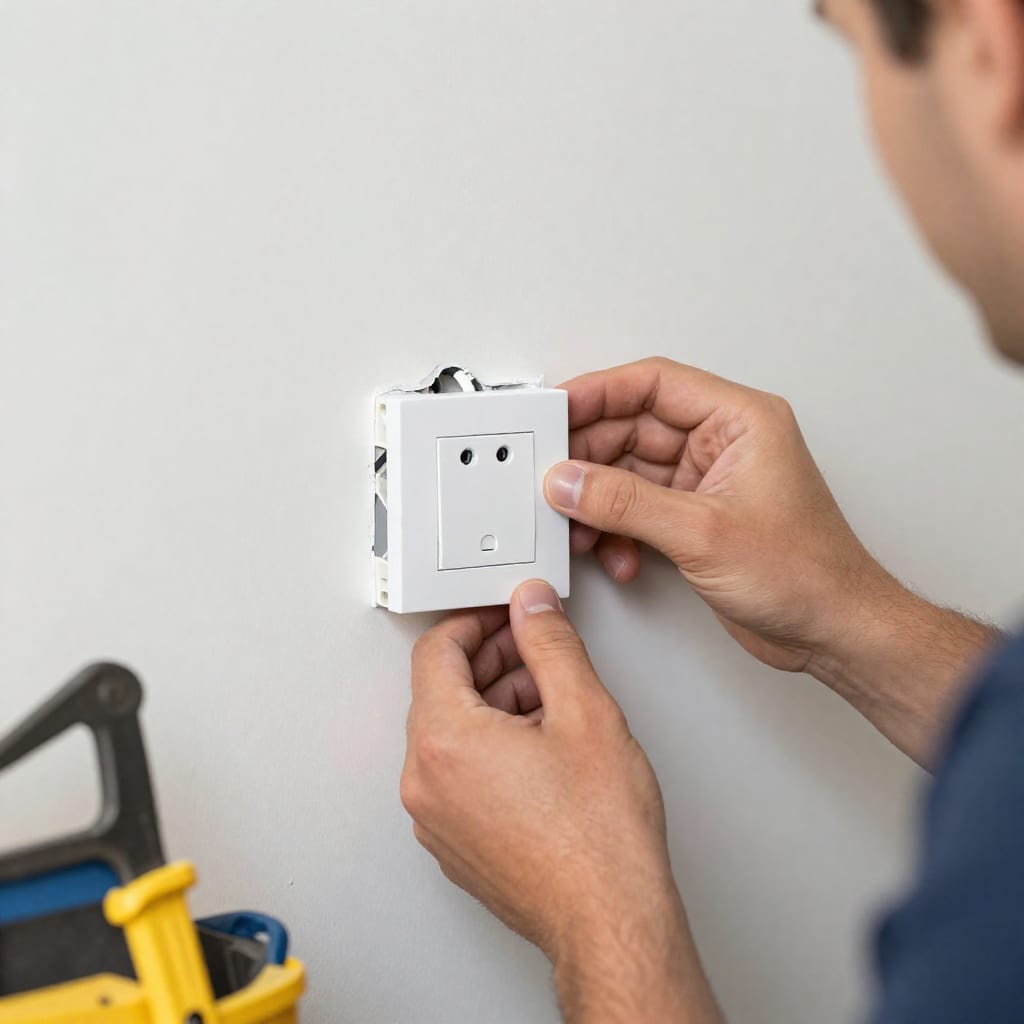
Pro tip: During construction, have the electrician install deep switch boxes (2.5 inches deep) to accommodate smart switches, which are longer than standard ones.
3. Smart Door Lock – Schlage Encode Plus or August Wi-Fi Smart Lock
Keyless entry is a game-changer for new homes—no more hiding a spare key under the mat for the contractor or the dog sitter. The Schlage Encode Plus is my top pick because it's a deadbolt first and a smart lock second; it's ANSI Grade 1 certified (the strongest residential rating) and works with Apple HomeKey, meaning you can unlock it with your iPhone or Apple Watch. I installed one on my front door last year, and the battery lasted 11 months before the low-battery warning popped up. The August Wi-Fi Smart Lock is a solid budget option, but it requires your existing deadbolt, and the motor can feel sluggish compared to Schlage's integrated design.
4. Smart Video Doorbell – Ring Video Doorbell Pro 2 or Google Nest Doorbell (Battery)
For a new build, I strongly recommend a wired doorbell. The Ring Video Doorbell Pro 2 gives you 1536p HD video, HDR, and 3D motion detection that can tell the difference between a person and a passing car. My neighbor has the wired version, and his video feed is crystal clear even at night. The Google Nest Doorbell (Battery) is a good option if you're in the Google ecosystem, but the battery version has a slight delay (about 1–2 seconds) compared to the wired model. If your builder hasn't run low-voltage wiring to the door, ask them to—it's a cheap upgrade that ensures constant power and better performance.
5. Smart Smoke/Carbon Monoxide Alarm – Nest Protect
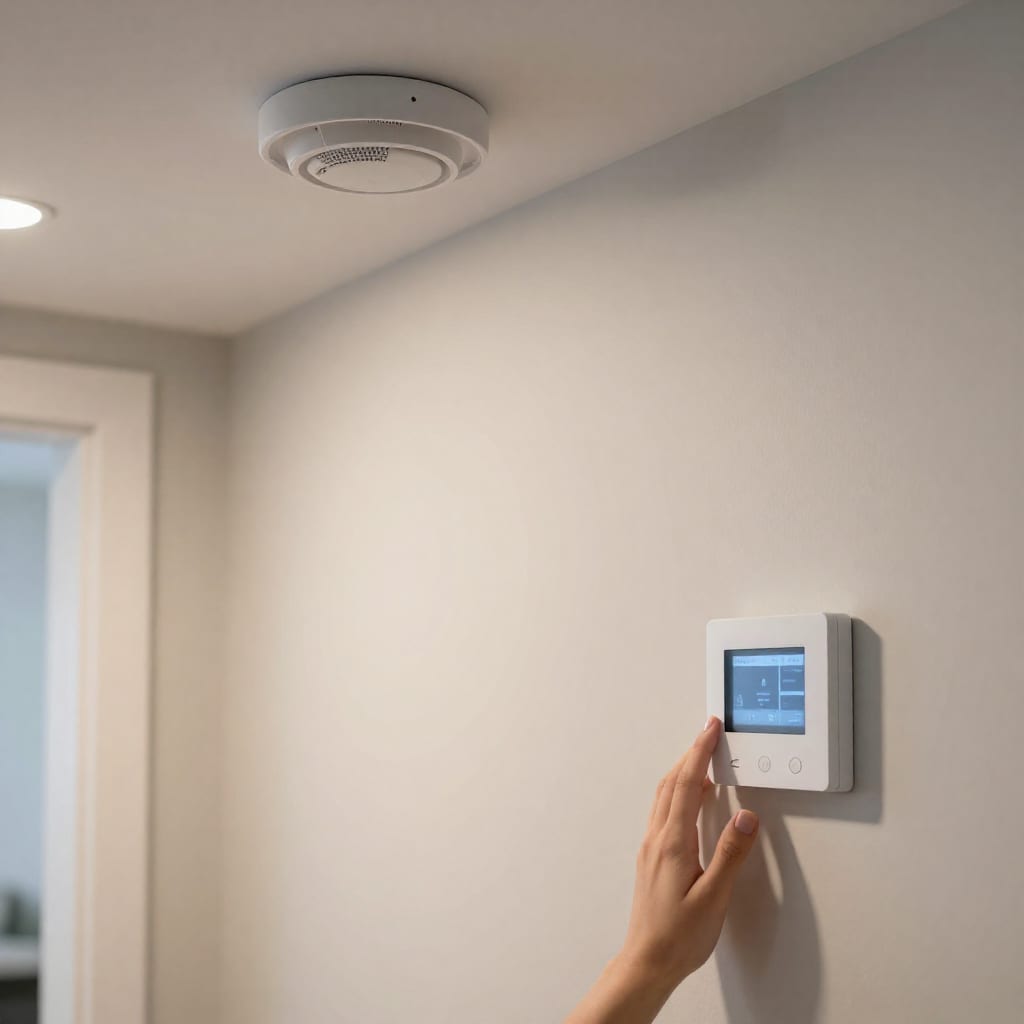
This is the one device I wouldn't skip. Nest Protect detects both smoke and CO, and it speaks to you in a calm voice (“Heads up, there's smoke in the kitchen”) instead of blaring a deafening alarm that makes you run around confused. In my own home, I have three hardwired Nest Protects, and they all interconnect wirelessly—if one goes off, they all alert. For a new build, hardwired models are required by code in most areas anyway, so you're essentially upgrading a mandatory device. The self-test feature runs automatically every month, and the app tells you exactly which sensor triggered an alert. It's not cheap (about $120 each), but it's the only smart device that could literally save your life.
6. Smart Hub / Controller – Hubitat Elevation or Samsung SmartThings Station
If you plan to have more than five smart devices, you need a hub. Hubitat Elevation is my recommendation because it processes everything locally—no cloud dependency. When my internet went down for six hours last month, my Hubitat-powered lights, locks, and thermostat all continued to work exactly as programmed. The Samsung SmartThings Station is a newer, smaller option that integrates well with Matter and Thread, and it doubles as a wireless charger. But for a serious new build with 20+ devices, Hubitat's Z-Wave and Zigbee radios give you the flexibility to mix brands without being locked into one ecosystem.
7. Smart Irrigation Controller – Rachio 3 or Orbit B-hyve
Your new landscaping is an investment, and a smart irrigation controller protects it while saving water. I installed the Rachio 3 at my sister's new home last spring, and it automatically skipped watering days after rain, saving her about 30% on her summer water bill. The app shows you exactly how much water each zone uses, and you can adjust schedules from your phone. The Orbit B-hyve is a more affordable alternative that still offers weather-based adjustments. For a new build, make sure the controller is installed in a weatherproof location with Wi-Fi coverage (or run an Ethernet cable to the garage where most controllers live).
How to Choose the Right Smart Home Devices for Your New Build
With so many options, it's easy to get overwhelmed. Here's my rule of thumb: prioritize devices that are hardest to retrofit. That means wired devices (thermostats, doorbells, smart switches, and smoke alarms) should be your first investments, because installing them after drywall is a pain. Battery-powered devices (like smart blinds or sensors) can wait.
Next, choose your ecosystem early. If you're an iPhone household, look for HomeKit compatibility. If you're all-in on Google, pick devices with Works with Google Assistant. But the real game-changer in 2026 is Matter—the new interoperability standard that lets a single Thread-capable hub control devices from different brands. All seven devices I've listed above either already support Matter or are expected to via firmware updates. This future-proofing is why I tell friends building new homes to buy Matter-compatible devices even if they cost a bit more.
Budget-wise, expect to spend $1,500–$3,000 for a full setup of these seven categories, not counting installation. That sounds like a lot, but it's less than 1% of the cost of a typical new home, and it adds real convenience and energy savings.
Installation Tips: Pre-Wiring Your New Home for Smart Tech
This is where most people mess up, and I learned it the hard way. Here's what to ask your electrician or builder before the drywall goes up:
- Neutral wires at every switch location. This is non-negotiable for smart switches. It costs pennies per foot but saves you from having to buy special “no-neutral” smart switches that are often less reliable.
- Ethernet runs to key rooms. Run Cat6 or Cat6a cable to the home office, living room (for the TV and hub), and garage (for the irrigation controller). Even if you use Wi-Fi for most things, a wired backhaul for your mesh system will dramatically improve reliability.
- Conduit from the utility room to the attic. This allows you to pull new cables (like fiber or HDMI) later without opening walls. It's a $100 upgrade that pays for itself the first time you want to add a sensor or camera.
- Low-voltage wire for doorbells and sensors. Run 18/2 thermostat wire from the doorbell location to a central wiring closet. This powers the video doorbell and ensures it never dies mid-delivery.
- Place the hub in a central, well-ventilated spot. Don't bury it in a metal utility cabinet that blocks Wi-Fi and Z-Wave signals. A dedicated shelf in the living room or home office is ideal.
One more mistake I see: people assume their builder will “just know” what to do. They won't. Write down your requirements in a simple document and hand it to the electrician during the rough-in phase. I did this for a friend's build last year, and his electrician actually thanked him for being clear.
Frequently Asked Questions About Smart Home Devices for Newly Built Homes
What smart home devices are most important to install in a newly built home?
Focus on devices that benefit from wiring during construction: smart thermostat, smart lighting with neutral wires, smart door lock, video doorbell, smart smoke alarm, and smart irrigation. These are hardest to retrofit later.
Should I buy a smart home hub for my new construction?
Yes, if you plan to have many devices from different brands (Z-Wave, Zigbee, Matter). Local hubs like Hubitat or Homey Pro reduce reliance on cloud servers and improve reliability.
Can I use battery-powered smart devices in a new home instead of wired ones?
You can, but wired devices are more reliable (no battery changes) and often required for building codes (e.g., hardwired smoke alarms). For doorbells and locks, wired ensures constant power and better video quality.
How much does it cost to pre-wire a new home for smart technology?
Costs vary by house size, but budgeting $500–$2,000 for extra Ethernet drops, neutral wires at every switch, and conduit runs is typical. This is far cheaper than retrofitting later.
What is Matter and why does it matter for new home smart devices?
Matter is an industry standard that ensures devices from different brands work together seamlessly. New builds should prioritize Matter-compatible devices for future-proofing and easier setup.
My final takeaway: A newly built home is your one chance to get smart home wiring right without a sledgehammer. Spend the extra $500 on pre-wiring now, and you'll thank yourself every time a device just works—no flickering lights, no dead batteries, no retrofitting headaches. The seven devices I've listed here are the backbone of a reliable, future-proof smart home, and they'll serve you well for years to come.